

IT Matters
Below is a summary of some digital services available to Salford residents, all available at no cost, that you may find useful. Please follow the links for more information. And if you’d like to speak to out u3a IT secretary first, feel free to contact Debra at it@salfordu3a.com.
 Salford City Council have launched a new Digital Help Finder Tool that you may also be interested in. It acts as a signpost to residents of Salford for digital support available in their area. There are lots of opportunities to boost your digital skills so do have a look.
Want to get the best from your mobile device?
AgeUK are now offering ‘Digital Drop-ins’ to help you get the most out of using your mobile device (e.g. laptop, notebook or smartphone). These are held at Critchley Community Hub in Swinton every Monday. Find out more from their website.
Here’s what is on offer:
we help, support, reassure and guide individuals, who are new and inexperienced in the world of digital technology, to develop their practical digital skills – at their own pace – and all for free! Individuals can drop in at their leisure. There’s no format as such – I and the other volunteers are there to assist individuals based on their individual needs. Whether that be help setting up an online shopping account, working with different social media platforms, mastering video calls, managing emails, browsing the web safely, or indeed anything else – we’re there to help.
And there’s a good cafe there too!
If you already have some IT skills…
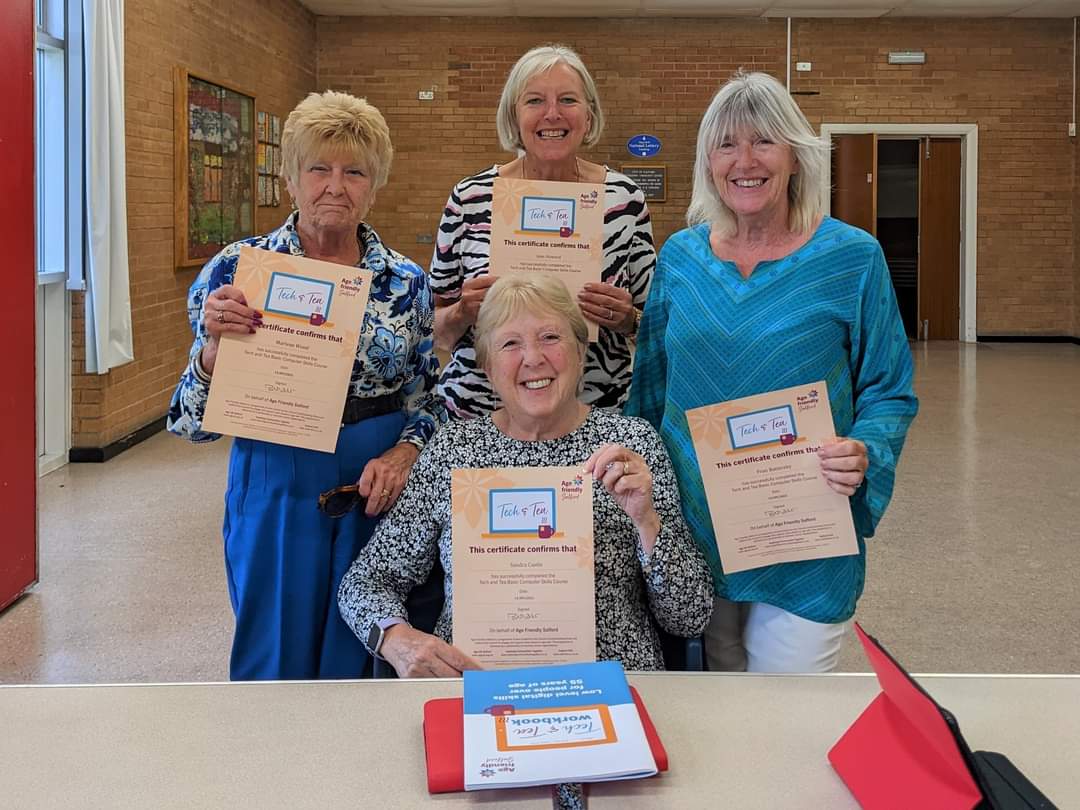
Maybe you own a computer but would like to use it more fully or gain more skills and grow your confidence. Or maybe you’ve been on a Tech and Tea course and want to move to the next level.
Again at no cost to you, Corinth Training have a programme of several different courses that each run for 8 weeks. If you are interested, contact details are on their webpage.
Some interesting UK stats
| 50-64yo | 65-74yo | 75+yo | |
| % using the internet every day | 88% | 75% | 46% |
| % of non-internet users who would like to use it if they could | 22% | 19% | 15% |
The most common reason for not using the internet more is lack of digital skills.
Handy links
Threats exist in the online world just as they do in the real world, but with sensible straightforward precautions you can safeguard yourself and your family.
In November 2022, Dave Carlos gave us a lot of useful information about IT security when he was the guest speaker at the monthly social. Here are a selection of handy links that support the guidance Dave gave us:
- A number of sites provide good general advice about how to stay safe online:
- the National Cyber Security Centre (NCSC)
- Take Five
- Get Safe Online
- Scam emails involving financial services may be reported here. This service is operated by the Financial Conduct Authority (FCA).
- If you receive any other email which you are suspicious of and think may be a scam or phishing attempt, forward the email (or a screenshot of the email) to report@phishing.gov.uk. More information on this service is available here.
- Scam texts and mobile calls should be reported (by text) to 7726. This is a service provided by Ofcom and more information is available here.
- If you think you may have been the victim of fraud or cybercrime and incurred a financial loss or have been hacked as a result of responding to a phishing message, you should report this to Action Fraud. Help is also available through Victim Support.
- If your computer has been locked out by ransomware, access useful information here from another device.
Social Media
Salford u3a is now live on both Twitter and Facebook. Click on the social media icons (bottom of the page if you’re on a smartphone) to access and follow our accounts.
Disposal of old mobile phones
How many old phones do you have gathering dust at the back of a drawer? If you’re like me, quite a few. Why not free up space and put them to good use? If they’re less than 8 years old, one option is to donate them at any Salford Gateway so that they can be refurbished and given to others who would benefit in Salford. Please see this guide from Salford’s Digital Inclusion team.
You may also be interested in:
Age UK have produced a number of useful step-by-step guides to making the most of the internet.
 salfordu3a.com